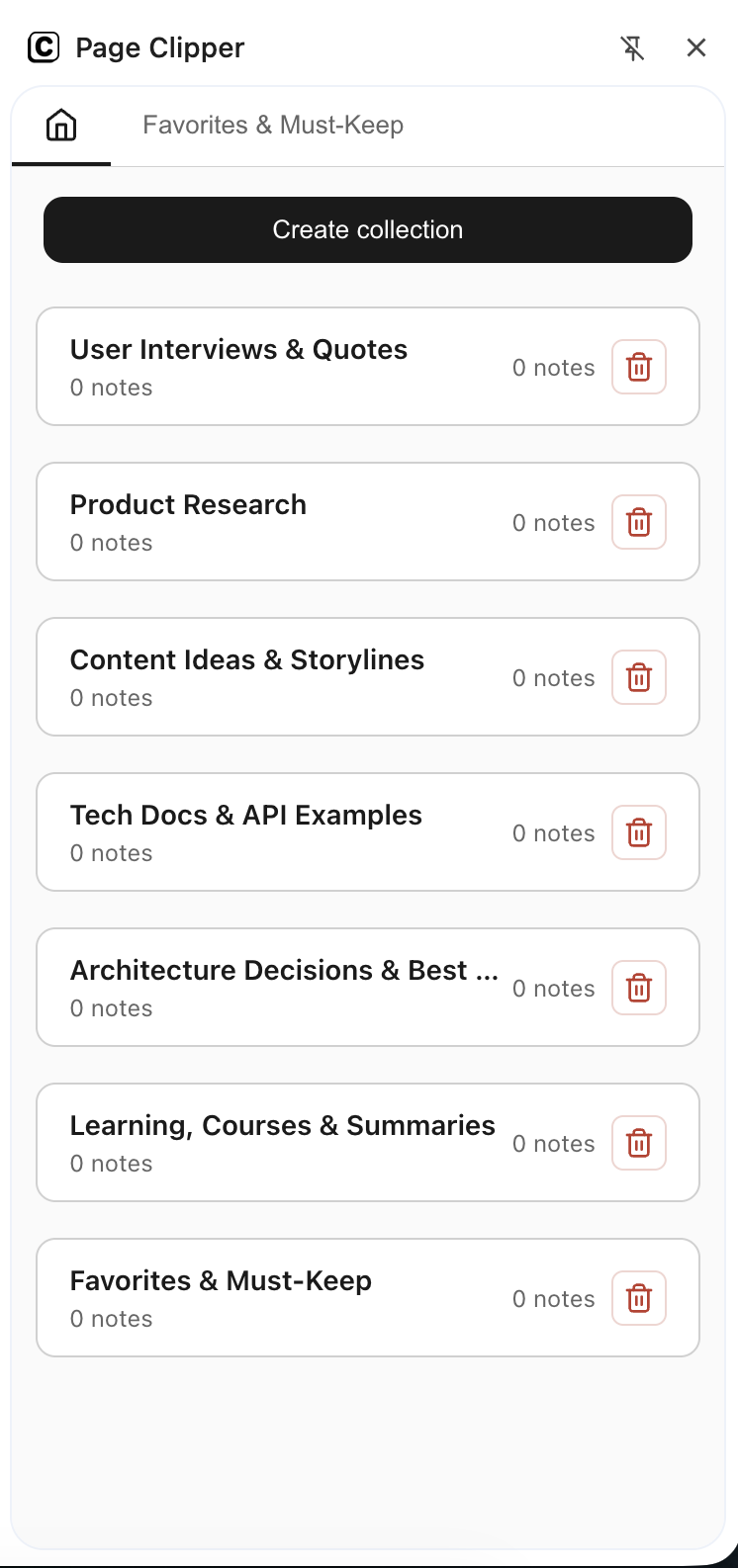
Page Clipper
Web Clipper for Chrome: select anything and save it into clean notes
Add to Chrome for free
Copy selected text, tables, images, tables and code from any website and instantly save them into local notes, ready to move into Notion, Obsidian, Google Docs, and other tools.

Save text, tables, and images without breaking the formatting
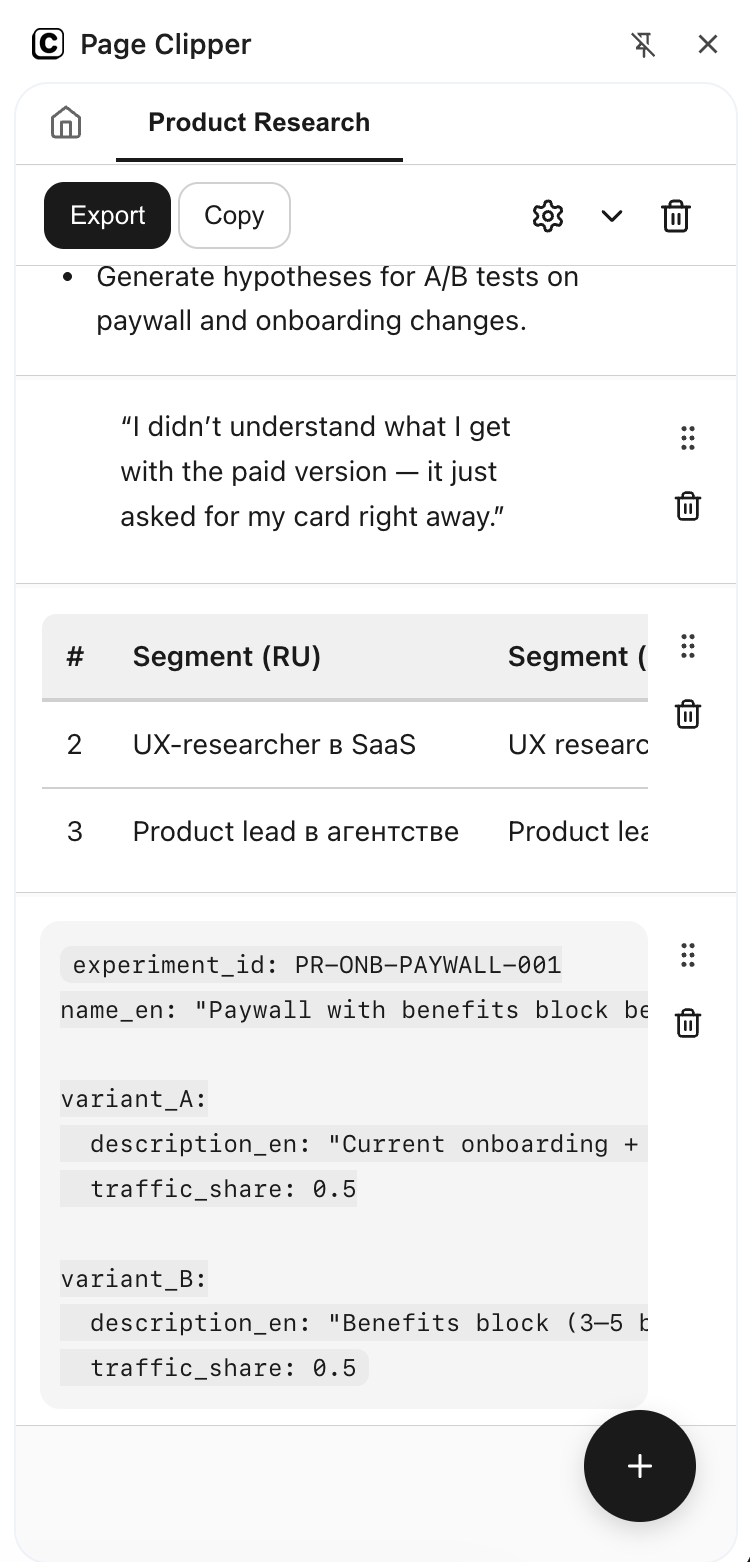
Page Clipper neatly captures headings, lists, code blocks, and full tables into a sidepanel of notes — no messy copy‑paste, no broken layout, no extra steps.
Add to Chrome for free

Collect articles, documentation, and research in one place
Save snippets from articles, README files, API docs, social posts, and forums so you can quickly find the web content you need for work, study, and personal projects.
Heading
Heading
Heading
Perfect companion for Notion, Obsidian, and Google Docs
Your clips paste cleanly into Notion, Obsidian, Google Docs, Confluence, Jira, and other editors — structure and links stay intact, you only add your own comments.

Save and collect anything from other websites and copy to your favorite tools
Save formated text, images, code blocks, full tables, rows and cells
Add to Chrome for free